
How to save in Warrior Cats Clans of the Forest: the pause-menu exit method, outposts, Steam Cloud, save location and backup steps.
How to Save in Warrior Cats Clans of the Forest
The reliable way to save in Clans of the Forest is to open the pause menu, go to the General tab, choose Main Menu, then Exit to Main Menu. One community report tested that route twice and found it saved progress where the player left off, reloading them at an outpost. The game does not have a conventional "Save Game" button or a visible save-slot screen.
That answer comes from players, not from a developer patch note. The game itself tells you that you can save at outposts, but it does not spell out the menu path. This page separates what is confirmed from what is still community knowledge, and covers the PC pause key, Steam Cloud, console saves and backups.
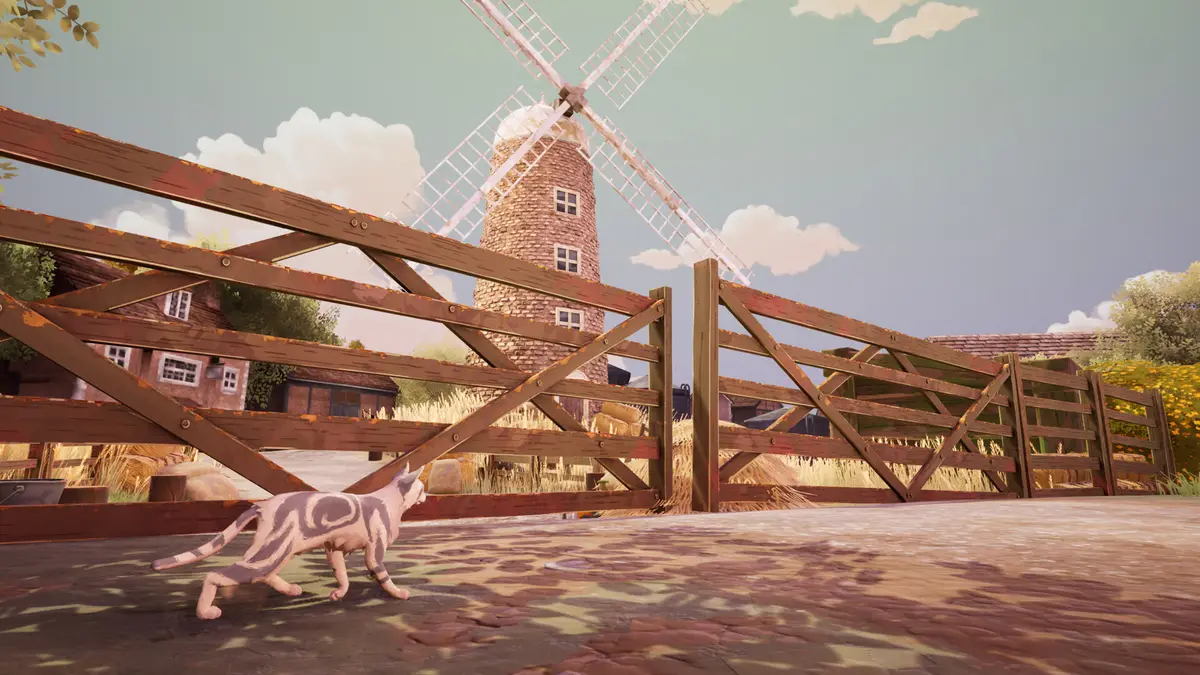
Pause menu > General tab > Main Menu > Exit to Main Menu. On PC the pause key is reported as P; on a controller it is the down arrow. Wait for the main menu to appear before closing the game.
The save method that players report works
The steps are short, but the order matters.
- Stop somewhere safe, preferably at or near an outpost.
- Open the pause menu.
- Switch to the General tab.
- Select Main Menu.
- Choose Exit to Main Menu.
- Wait until the main menu is fully visible.
- Close the game from the main menu if you are finished.
The important part is step 6. If you alt-tab or force-close while the game is transitioning, you have no reason to believe the write completed. Let the menu appear, then quit.
This is the method described in the community thread on r/WarriorCats. The player who tested it reported that the game saved "right where you left off" and dropped them at an outpost on the next load. It is a small sample, so treat it as the best available route rather than a guaranteed engine behaviour.
Why exit to the main menu instead of just quitting?
A normal desktop quit often asks the game to write a save on the way out. Clans of the Forest does not document that behaviour, and the community route that has been tested goes through the main menu rather than the window close button.
The distinction is risk management, not proof. If the game writes on exit, both routes work. If it only writes when the session is closed through the menu, the menu route is the safe one. There is no official statement either way, so the safe route is the one to use when you care about the progress.
Force-closing skips every menu transition. If the game has not written since the last outpost, you can lose the whole session. Exit through the pause menu and wait for the main menu.
What outposts have to do with saving
The game tells players they can save at outposts. What is not documented is whether walking into an outpost triggers an autosave, whether interacting with a specific object does, or whether the outpost is only the place the game reloads you after a menu exit.
The practical reading is:
- Outposts are safe places to stop.
- The menu-exit method returns you to one.
- Do not assume every outpost visit is a save.
If you are about to close the game, use the menu exit even if you just visited an outpost. It costs a few seconds and removes the ambiguity.
The PC pause key
On PC, the pause menu is reported to open with P, not Esc. One player in the same thread said Esc did nothing for them. That is a single report, not a universal rule, but it explains why some players cannot find the General tab at all.
| Input | Reported pause control |
|---|---|
| Keyboard | P |
| Controller | Down arrow |
Esc |
Reported as not opening the menu by one PC player |
If P does not work, try the controller binding or check the game's control settings. The controls and keyboard page covers the rest of the PC bindings.
Steam Cloud and save conflicts
Steam Cloud is listed as a supported feature on the Steam store page. That means the save can sync between Windows machines signed into the same Steam account.
It also means a conflict is possible. If you play on a desktop and a laptop, and the laptop has an older local save, Steam may ask which copy to keep. Read the timestamps before choosing. The newer timestamp is usually the right one, but not always: a cloud copy can be newer because it was uploaded later, even when the local copy contains the progress you want.
The safe habit is to exit through the menu, wait for Steam to finish syncing, and only then shut the machine down. If you are testing a backup or a second campaign, disable Steam Cloud temporarily so a sync cannot overwrite the folder you are working on.
Where the save lives on Windows
The Windows save folder is %LOCALAPPDATA%\Wrc\Saved\SaveGames, according to the community save-tracking reference Checkpoint64. Paste that path into File Explorer's address bar to open it.
The save file location page covers the folder in detail, including how to back it up and how to restore it. The short version:
- Quit the game to the desktop.
- Copy the whole
SaveGamesfolder, not a single file. - Store the copy outside AppData, with the date in the folder name.
- To restore, rename the current folder before copying the backup back.
Do not edit the files. There is no official save editor, and the internal format is not documented.
Saving on PS5, Xbox and Switch
Console saves are managed by the platform. You cannot browse to a SaveGames folder on a PS5, Xbox Series X|S, Switch or Switch 2.
| Platform | Where the save lives | Cloud option |
|---|---|---|
| Windows PC | %LOCALAPPDATA%\Wrc\Saved\SaveGames |
Steam Cloud |
| PlayStation 5 | Console storage | PlayStation Plus cloud storage, if subscribed |
| Xbox Series X|S | Console storage and Xbox cloud | Xbox cloud saves |
| Nintendo Switch / Switch 2 | Console storage or microSD | Nintendo Switch Online backup, if subscribed |
Platform cloud backup is not cross-save. It restores a save within the same platform family; it does not move a campaign from PC to PS5. The multiplayer and cross-save page covers what the game actually supports.
On a Steam Deck, the Windows path does not apply directly because the game runs through Proton. The Steam Deck page covers the platform details.
Troubleshooting a missing or lost save
The game reloaded me at an outpost, not where I stopped
That is the reported behaviour of the menu-exit save: progress is kept, but the spawn point is an outpost. It is not necessarily a lost save. Check your quest progress and inventory before assuming the worst.
My progress is gone after switching PCs
Check Steam Cloud's conflict prompt and the timestamps. If the wrong copy won, restore the local SaveGames folder from a backup, then launch once with Cloud disabled to confirm.
The save folder does not exist
Launch the game, create some progress, exit through the menu, and check again. A folder that appears only after the first save is normal.
A patch changed something in my save
Back up before every patch. The patches page tracks what changed; if a patch broke a save, the backup is the only reliable route back.
FAQ
How do you save in Warrior Cats Clans of the Forest?
Pause menu > General tab > Main Menu > Exit to Main Menu. Wait for the main menu, then close the game. This is the community-tested route, not an official menu label.
Does Clans of the Forest autosave?
The game tells players they can save at outposts, but it does not document whether entering an outpost autosaves. Use the menu-exit method before quitting rather than relying on an unconfirmed autosave.
What is the pause button on PC?
Players report P. One PC player reported that Esc did not open the pause menu. On a controller, the reported binding is the down arrow.
Does the game have manual save slots?
No save-slot browser has been documented. The game appears to use a single campaign save per profile, with outposts as reload points.
Does Steam Cloud work?
Yes. Steam Cloud is listed on the store page. It can also create conflicts, so read the timestamps if you play on more than one PC.
Can I save in the middle of a battle?
Not documented. The tested route is the pause-menu exit, which is safest outside combat. Do not assume a mid-battle save exists.
Where is the save file on Windows?
%LOCALAPPDATA%\Wrc\Saved\SaveGames. Back up the whole folder while the game is closed.
Sources
- r/WarriorCats: Clans of the forest how to save? - community-tested pause-menu route, PC
Pkey and outpost reload - Warrior Cats: Clans of the Forest on Steam - Steam Cloud feature listing
- Checkpoint64: Clans of the Forest save location - Windows save path reference
- Steam Cloud support - sync and conflict behaviour
More Warrior Cats: Clans of the Forest Guides
Clans of the Forest features 9 cats from the book series. Only 4 have been named by official sources: Brightheart, Tawnypelt, Tallstar and Ivypool.
Clan ranks in Clans of the Forest: starting as an apprentice, the ranks you can reach, medicine cats, and why the game has no classes to choose.
Where to download and play Clans of the Forest now that it is out: every official storefront, the PC install size, and how to spot fake free-download pages.
Warrior Cats: Clans of the Forest is a licensed turn-based RPG from Bamtang Games and Trailmark Games, launching 23 October 2026 with four Clan campaigns.
Clans of the Forest is single-player first. Online play is asynchronous only. No cross-save, cross-play or Game Pass has been announced.
Clans of the Forest age rating for parents: the ESRB Everyone 10+ label, how much violence there is, the scar toggle, and what younger fans should expect.
Start of Clans of the Forest: create and name your Warrior Cat, pick one of four Clans, rise from apprentice to warrior while foraging, crafting and hunting.
The Clans of the Forest cat creator offers millions of combinations: fur, patterns, colours, tails, whiskers, ears, eyes and markings, on a cat that ages.